




I cringe when I see people pay with their cell phones. They're easy to hack. I don't do banking either online unless I'm booting from a Linux USB stick like Lubuntu that leave no traces on my PC.
Another warning against a dangerous Android app you should delete.
Cyber experts at Zscaler ThreatLabz are warning all Android users to check their phones ASAP to ensure they don't have a popular task management app installed, urging everyone who does have it to delete it immediately.
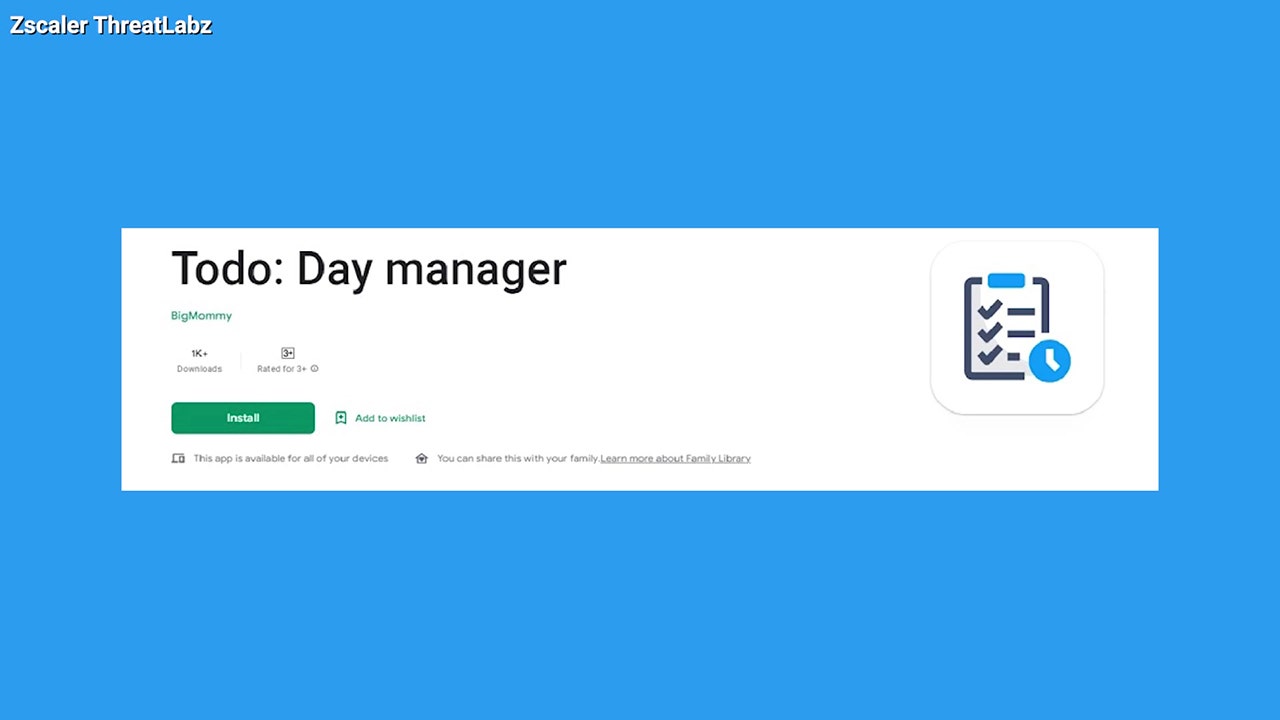
The app to delete is Todo: Day Manager, which has been flagged after installing a dangerous banking trojan malware called Xenomorph. The malware can seize your banking information and even gain access to your private SMS messages by intercepting your two-step verification codes to raid your logins.
The experts found that the malware is dropped in as a fake Google Service application from the internet hosting service GitHub as soon as Todo is installed. It sneakily starts by asking users to enable access permission. Once that permission is granted, it will add itself as a device admin and won't allow users to disable it.
If you have the app installed but did not grant access permission to the malware, then you should be able to delete the app without any issues. If you did grant access, you may have to back up your files and factory-reset your phone to get rid of the app.
To back up and restore your Android, visit CyberGuy.com and search "backup and restore" by clicking the magnifying glass icon at the top of my website.
You must always remain on the lookout for suspicious-looking activity appearing on your devices. You can take these extra precautionary steps to make sure that you avoid malware-stricken apps at all times.
 www.foxnews.com
Another warning against a dangerous Android app you should delete.
Cyber experts at Zscaler ThreatLabz are warning all Android users to check their phones ASAP to ensure they don't have a popular task management app installed, urging everyone who does have it to delete it immediately.
The app to delete is Todo: Day Manager, which has been flagged after installing a dangerous banking trojan malware called Xenomorph. The malware can seize your banking information and even gain access to your private SMS messages by intercepting your two-step verification codes to raid your logins.
The experts found that the malware is dropped in as a fake Google Service application from the internet hosting service GitHub as soon as Todo is installed. It sneakily starts by asking users to enable access permission. Once that permission is granted, it will add itself as a device admin and won't allow users to disable it.
If you have the app installed but did not grant access permission to the malware, then you should be able to delete the app without any issues. If you did grant access, you may have to back up your files and factory-reset your phone to get rid of the app.
To back up and restore your Android, visit CyberGuy.com and search "backup and restore" by clicking the magnifying glass icon at the top of my website.
You must always remain on the lookout for suspicious-looking activity appearing on your devices. You can take these extra precautionary steps to make sure that you avoid malware-stricken apps at all times.
- Check the ratings of any app before you download it and make sure to read the comments. If it’s flooded with negative reviews, it’s probably not worth downloading
- Make sure your software on your iPhone or Android is always up to date
- Keep your web browsers updated
- Use an antivirus app. See my expert review of the best antivirus protection for your Windows, Mac, Android & iOS devices by searching ‘Best Antivirus’ at CyberGuy.com.
Delete this popular task manager app right away if you're an Android User
Experts are recommending to delete the Todo Day Manager app, where scammers can gain access to private messages, information through two-step verification codes.
www.foxnews.com
Last edited:


